
My Learning From KodeKloud’s 100 Days of DevOps Challenge
Recently, I started participating in the 100 Days of DevOps challenge on KodeKloud.
The goal is simple: practice one real DevOps task every day and build strong hands-on skills in areas like:
- Linux Administration
- Git
- Docker
- Kubernetes
- CI/CD
- Infrastructure as Code
Instead of only watching tutorials, the challenge focuses on learning by solving real operational tasks.
One of the exercises I completed recently was a small Linux user management task that actually teaches an important system administration concept.
The Assignment
Create a user on a Linux server and configure an account expiry date.
Example requirement:
- Create user:
alex - Set expiry date: 2027-03-28
This scenario is very common in production environments when giving temporary access to contractors or external engineers.
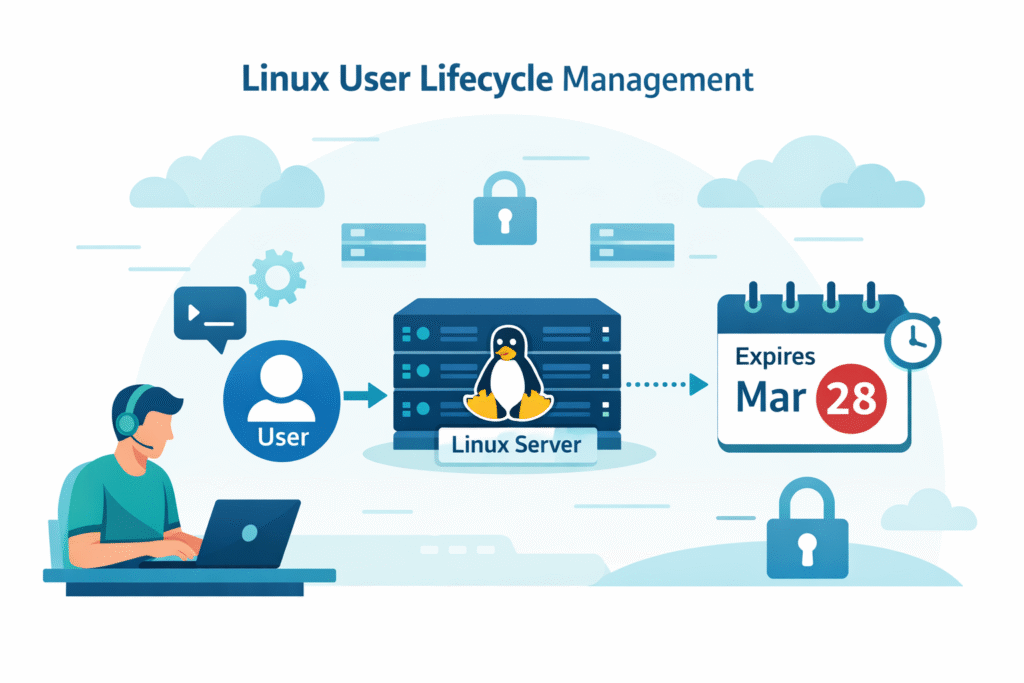
Admin → Linux Server → Temporary User → Expiry Date
The Command Used
Linux provides a simple way to configure account expiry using the useradd command.
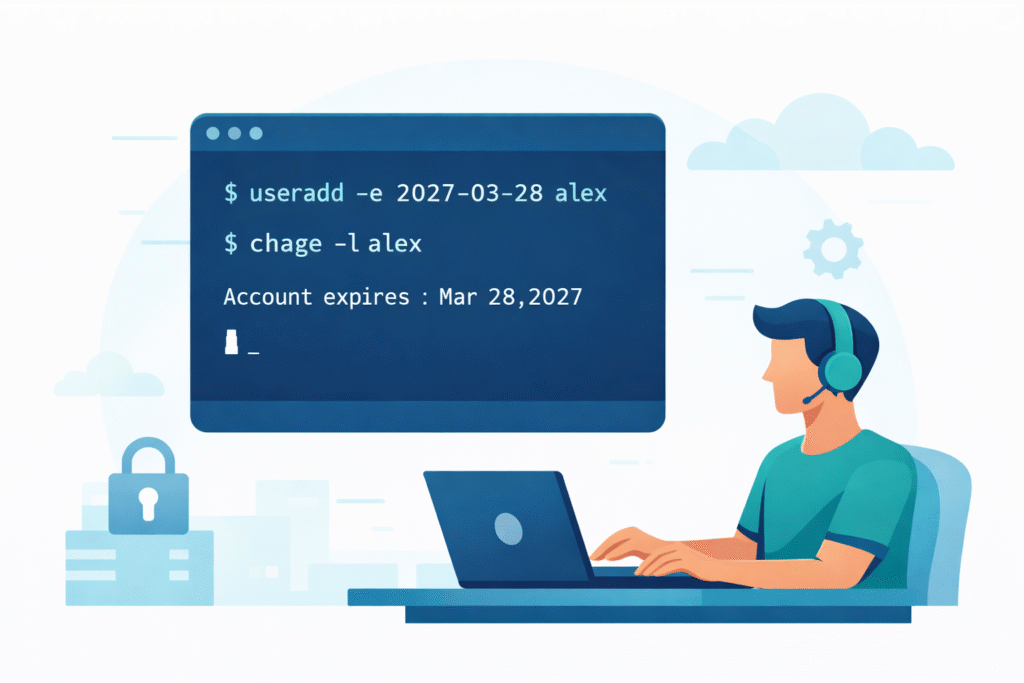
sudo useradd -e 2027-03-28 alexExplanation
- useradd → creates a new user
- -e → defines the account expiration date
- 2027-03-28 → expiry date in YYYY-MM-DD format
- alex → username
Once the expiry date is reached, the user will no longer be able to log in.
Verifying the Expiry Date
To confirm the configuration:
sudo chage -l alex
Expected output will include:
Account expires : Mar 28, 2027
This helps administrators verify the user lifecycle configuration.
What I Learned From This Exercise
Although the task looked small, it reinforced some important system administration concepts.
1. Temporary Access Improves Security
In real infrastructure environments, temporary accounts are often created for:
- Contractors
- Vendor engineers
- Temporary debugging sessions
- Incident investigations
Automatically expiring accounts prevents forgotten users from becoming security vulnerabilities.
2. Linux Has Built-in User Lifecycle Controls
Linux includes several built-in tools for managing user access.
Examples include:
useradd→ create usersusermod→ modify user settingschage→ manage password and account expirypasswd→ configure authentication
These tools allow administrators to manage access directly on the server.
Where This Applies in DevOps
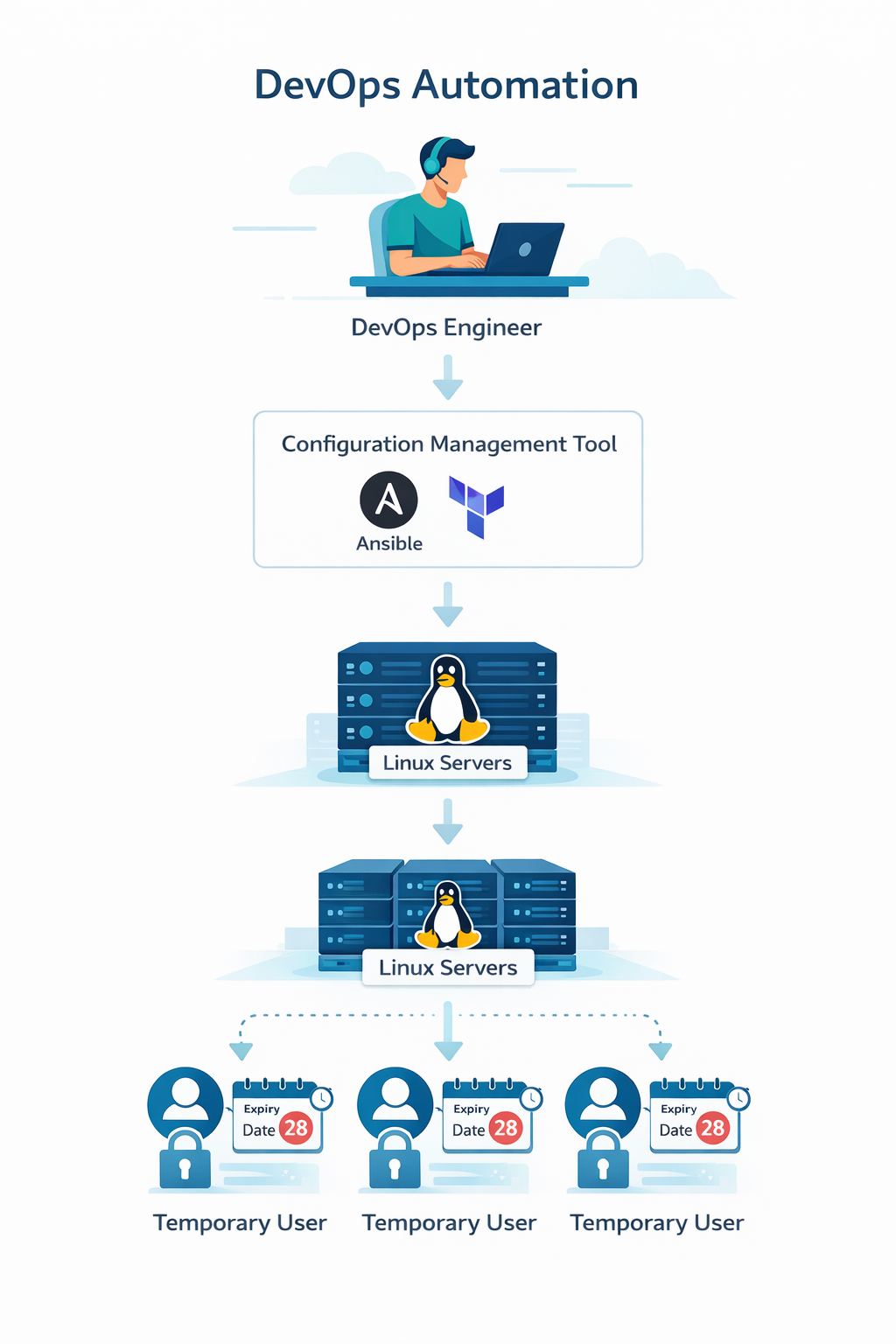
In modern environments, user management is usually automated using tools like:
- Ansible
- Terraform provisioners
- Cloud-init
- Shell automation
For example, temporary troubleshooting access could be created automatically and then expire without manual cleanup.
Things I Want to Explore Next
This exercise made me curious about several related topics:
- Linux password expiry policies
- Automated user management using Ansible
- Auditing inactive users across multiple servers
- Integrating Linux user management with IAM systems
Final Thoughts
One thing I like about the 100 Days of DevOps challenge on KodeKloud is that it focuses on practical learning.
Even a simple command can teach an important concept about security and access management.
sudo useradd -e YYYY-MM-DD username
A small command, but a powerful way to manage temporary access in Linux systems.