
I remember staring at my terminal, a cryptic error message staring back at me, wondering if I had made a terrible mistake trying to learn Terraform without a structured course or a mentor to guide me.
Nobody warned me it would feel like this.
If you’re on a similar solo journey — learning Terraform on your own, mostly through AWS docs, random YouTube videos, and trial and error — this post is for you. I’m Kalpesh Bhangare, a Cloud Consultant with 7 years in Linux and AWS, and I’m currently building a production-grade AWS infrastructure project using Terraform from scratch. These are the things I genuinely wish someone had told me before I started.
1. The “No Clear Path” Problem Is Real — And It’s Not Your Fault
When you learn something like Python or JavaScript, there’s a fairly obvious progression: variables → functions → loops → projects. Terraform doesn’t have that luxury.
You land on the official docs and suddenly you’re reading about providers, resources, modules, workspaces, backends, and state — all at once — with no map telling you which order these things should click into place.

Here’s what actually worked for me: stop trying to learn Terraform in isolation. Learn it alongside a real AWS use case.
Don’t ask “how does Terraform work?” Ask instead:
"I want to provision an EC2 instance with a security group and an S3 bucket on AWS. How do I do that with Terraform?"
That framing completely changed how things started making sense for me. I started with the LinkedIn Learning: Learning Terraform course to get my bearings, and then immediately applied it to a real project. Passive learning alone won’t get you there — you need something to build.
A rough learning order that helped me:
- Start with
terraform init,plan,apply,destroy— get comfortable with the lifecycle - Build something small: a single EC2 instance, one S3 bucket
- Then learn about variables and outputs
- Then tackle modules (don’t rush to this)
- Only then worry about remote state and backends
2. State Files Will Confuse You — Until They Suddenly Don’t
The state file (terraform.tfstate) is one of those things that feels completely unnecessary when you start, and absolutely critical once you understand it.
Here’s the mental model that finally made it click for me:
Terraform doesn’t “see” your AWS account. It only knows what it last recorded in the state file.
That’s it. That’s the whole thing. Terraform compares what’s in your .tf files against what’s in the state file — and that is how it figures out what to create, change, or destroy. It’s not polling AWS every time. It’s trusting its own notes.
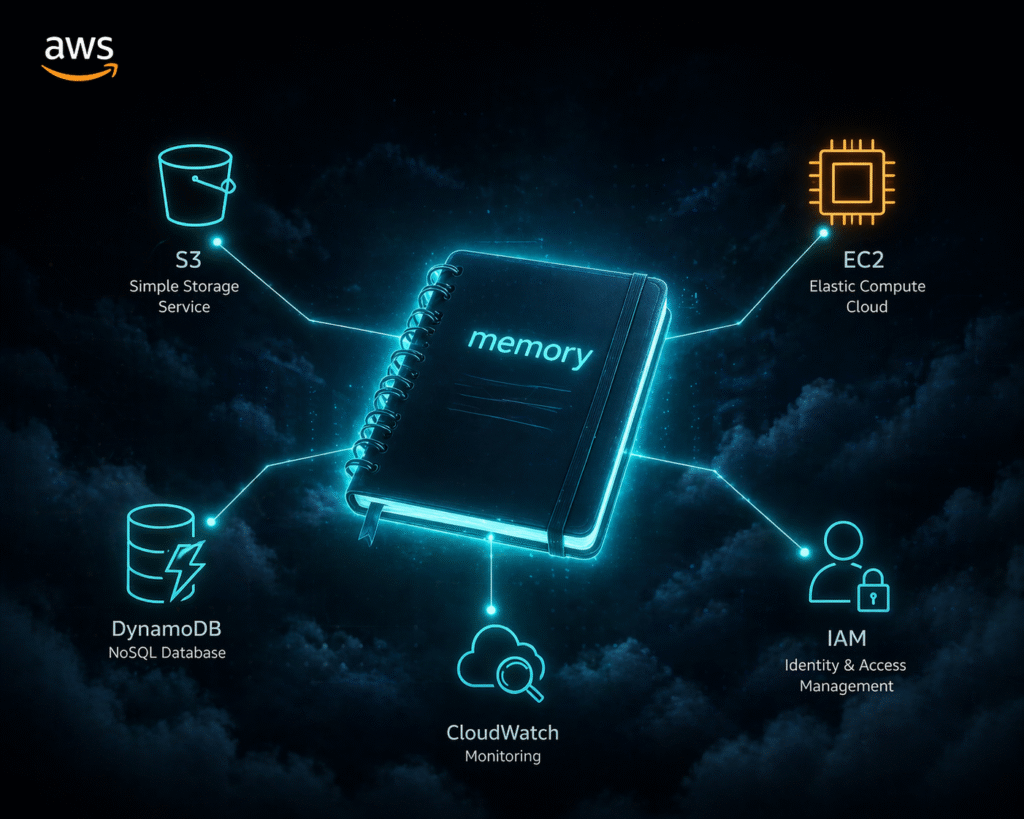
In my aws-infra-terraform project, one of the very first things I set up was S3 remote state with DynamoDB locking. This was Day 2 of the build. Not because it was glamorous, but because getting this wrong early would have caused chaos later — especially when working across environments like dev and prod.
What this means practically:
- Never manually edit the state file. You’ll break Terraform’s trust in its own memory.
- Never delete the state file casually. Terraform will think nothing exists and try to recreate everything.
- Use remote state as early as possible. S3 + DynamoDB is the standard for AWS, and it’s not as scary to set up as it sounds.
The moment I understood the state file as Terraform’s memory — not some config file — everything else about it started making sense.
3. Cryptic Errors Are Actually Trying to Help You (Mostly)
Terraform’s error messages have a reputation for being confusing. I won’t completely disagree, but once you learn to read them, they’re often more helpful than they appear.
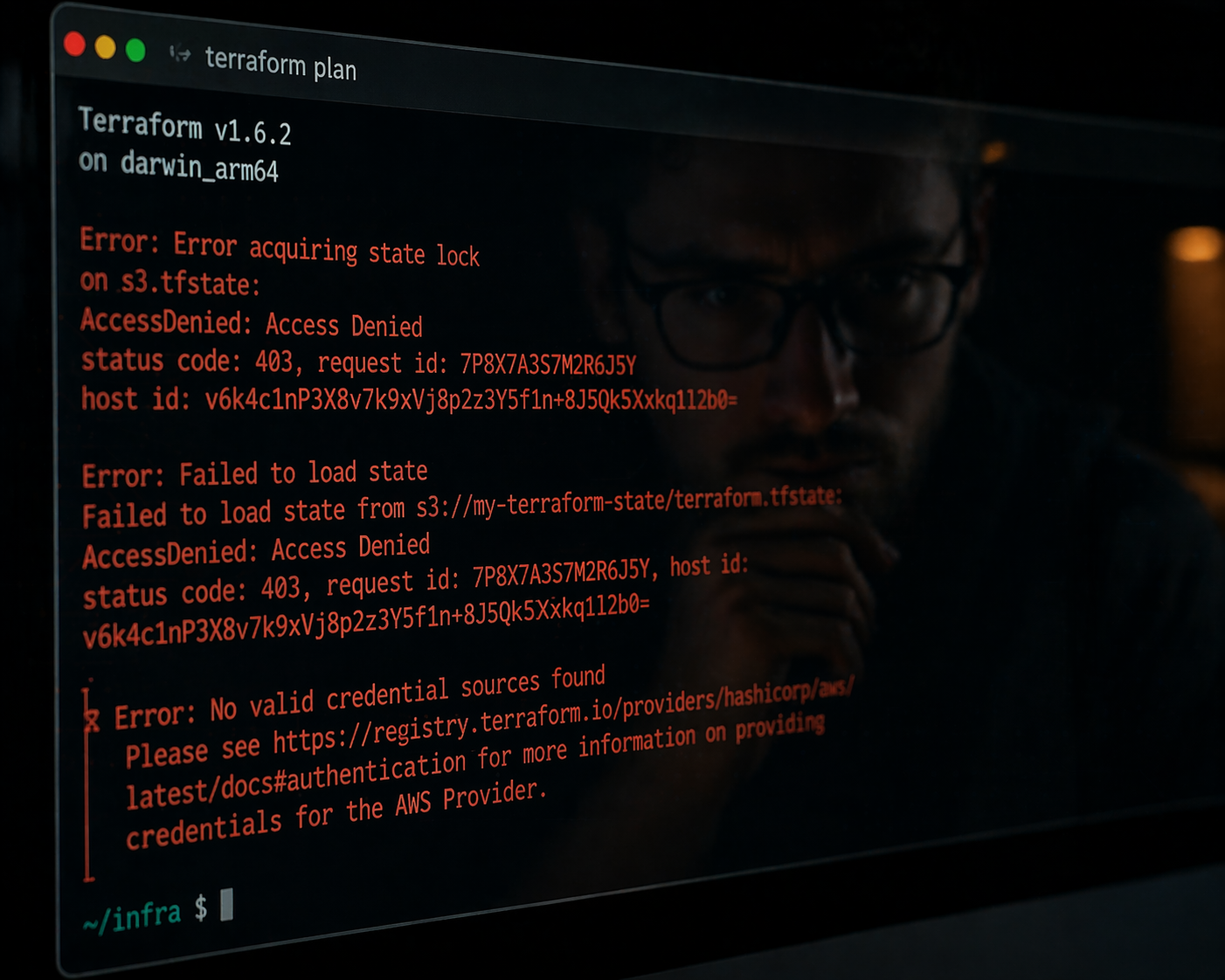
A few patterns I picked up:
“Error: Invalid reference” — You’re referencing a resource or variable that doesn’t exist or is spelled wrong. Check your resource names carefully.
“Error acquiring the state lock” — Your last run didn’t finish cleanly and the state is locked. If you’re sure no other operation is running, use terraform force-unlock <lock-id>. This is exactly why DynamoDB locking matters — it prevents two simultaneous applies from corrupting your state.
“Error: 403 / AccessDenied” — Your AWS credentials don’t have permission to do what you’re asking. Check your IAM policies first before digging into Terraform code. In my project, I have a dedicated iam/ module for exactly this reason — keeping IAM roles clean and explicit.
“Changes to outputs are outside the scope of plan” — Almost always means your state is out of sync with reality. Run terraform refresh or check if something was manually changed in AWS.
My honest advice: paste the full error into Google with “terraform” and the resource type. The Terraform community on GitHub issues and Stack Overflow is excellent. You’re almost never the first person to hit that specific wall.
4. Providers and Modules: Two Things That Sound Similar But Aren’t
This one tripped me up for weeks.
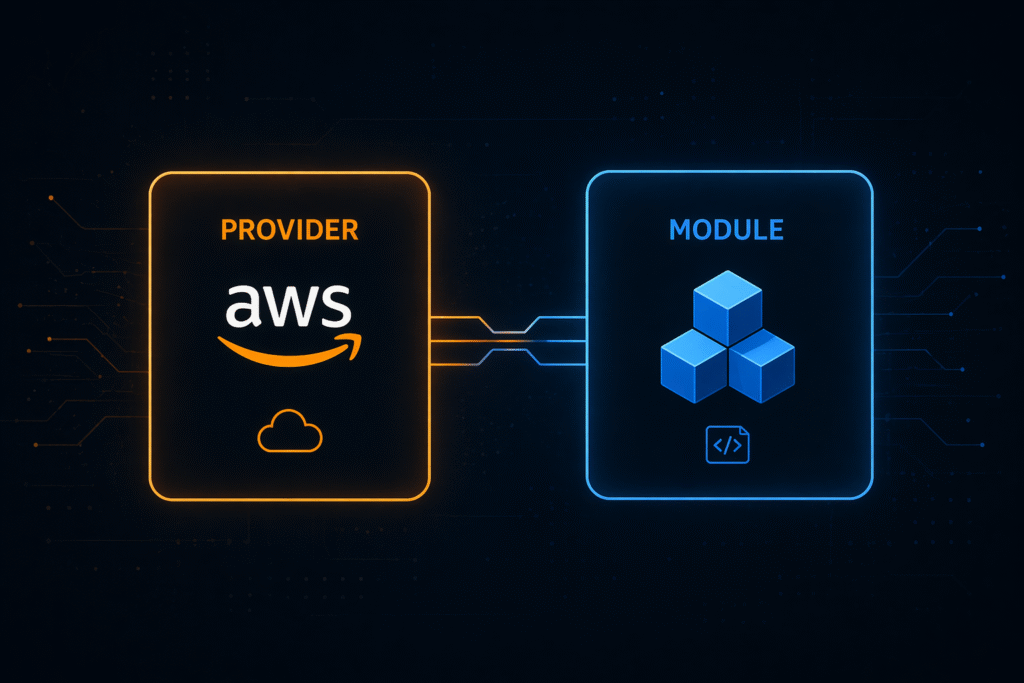
Providers are plugins that let Terraform talk to external APIs. The AWS provider is what lets your code create EC2 instances, S3 buckets, and VPCs. Without declaring a provider, Terraform has no idea what aws_instance means. In my project’s versions.tf, I explicitly pin the AWS provider version — a small thing that prevents surprising breaking changes.
Modules are reusable chunks of Terraform code. Think of them like functions — a way to bundle related resources together and call them multiple times. In my project, I have three custom modules: vpc/, compute/, and iam/. Each is independently reusable, and the envs/dev and envs/prod folders call those same modules with different variable values. One codebase, two environments, zero duplication.
A mistake I made early: I tried to use community modules from the Terraform Registry before I understood what was inside them. The result was a black box I couldn’t debug.
My recommendation: write everything from scratch first. Once you’ve built a VPC manually — subnets, route tables, internet gateway, the whole thing — and then look at community modules, you’ll actually understand what they’re doing. And when something breaks, you’ll know where to look.
5. Build in Public — Even If It Feels Unfinished
One thing I wish I’d done earlier: commit daily, even when things aren’t perfect.
My aws-infra-terraform project follows a day-by-day build log.
Day 1 was just project folder structure and versions.tf.
Day 2 was a remote state.
Day 3 was the VPC module.

It’s not glamorous, but it’s real — and it shows the actual process of how infrastructure gets built, not just the polished end result.
Building in public keeps you accountable, creates a portfolio that actually proves your skills, and honestly, the act of writing commit messages forces you to understand what you just did. If you can’t explain the commit, you don’t fully understand the change yet.
6. Terraform Is Only as Good as Your AWS Knowledge
This one nobody really says out loud.
Terraform makes AWS resources manageable, but it doesn’t teach you AWS. If you don’t understand the difference between a public and private subnet, or why you need an internet gateway vs a NAT gateway, Terraform code alone won’t fill that gap — it’ll just let you make infrastructure mistakes faster.

I found that learning Terraform and AWS in parallel was the most effective approach. When I hit something confusing in Terraform, I’d often trace it back to not understanding the underlying AWS concept — not the Terraform syntax. The LinkedIn Learning Terraform course gave me the syntax foundation, but building the actual vpc/ module — with subnets, IGW, NAT gateway, and route tables — is what gave me the AWS understanding to go with it.
The Honest Truth
Learning Terraform solo is absolutely doable — and honestly, the struggle is part of what makes you good at it. When you’ve manually debugged a state mismatch at 11pm, you understand state files in a way no video tutorial can teach you.
But going in with these mental models would have saved me a lot of frustration:
- ✅ Build real things, in order. Don’t study Terraform abstractly.
- ✅ The state file is Terraform’s memory. Set up remote state early.
- ✅ Read errors carefully. They usually tell you exactly what’s wrong.
- ✅ Write your own modules first before reaching for the Registry.
- ✅ AWS knowledge and Terraform knowledge grow together. You need both.
- ✅ Build in public. Commit daily. Show the messy process.
If you’re just starting out, or you’re in the middle of that frustrating “why isn’t this working” phase — stick with it. The other side of that confusion is where the real confidence lives.
You can follow my full build journey on GitHub: aws-infra-terraform. I’m documenting every day of the build as I go.
Have you learned Terraform on your own? What’s the one thing you wish you’d known earlier? Drop it in the comments — I’d love to hear it.